
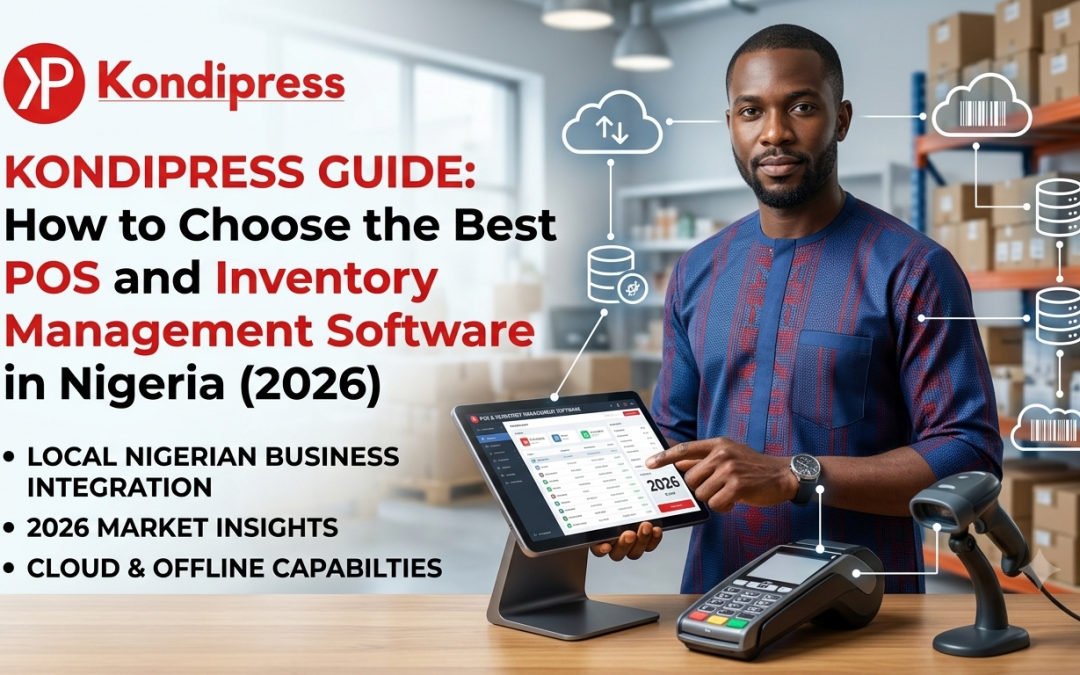
What Is the Best POS and Inventory Management Software in Nigeria?
The best POS and inventory management software for a Nigerian business should do more than process payments.
It should help you manage sales, inventory, staff, customers, purchasing, reporting, and day-to-day operations from one system.
For a small shop, a notebook or spreadsheet may appear sufficient. But as the business grows, keeping track of products, staff activities, sales, multiple locations, and stock movements becomes increasingly difficult.
At Kondipress, we understand this challenge because we work around software development and digital solutions for businesses. One thing that has become clear is that many businesses don’t simply need a POS terminal—they need a complete system for managing their operations.
This is why choosing the right POS and inventory management software matters.
POS Terminal vs POS Software: They Are Not the Same
This is one of the first things Nigerian business owners should understand.
A bank POS terminal is primarily designed to process electronic payments.
It can help you accept:
- Card payments
- Transfers
- Other supported payment methods
But it doesn’t necessarily tell you:
- How many products you sold today
- How much stock you have left
- Which employee made a particular sale
- Which products are selling fastest
- How much profit you’re making
- Which branch is performing better
- Which products need to be reordered
A business POS system connects sales with inventory and business operations.
That’s the difference between simply collecting payments and actually managing your business.
10 Features to Look for in POS and Inventory Software
Before choosing a solution, business owners should consider the following features.
1. Sales and POS Management
The software should make it easy for staff to process sales quickly.
Look for:
- Fast checkout
- Receipt printing
- Barcode scanning
- Discounts
- Returns
- Multiple payment methods
- Sales history
The interface should also be simple enough for new employees to learn quickly.
2. Real-Time Inventory Management
Inventory should automatically update when products are purchased or sold.
You should be able to see:
- Current stock
- Low-stock products
- Fast-moving products
- Slow-moving products
- Stock value
- Purchase history
- Stock adjustments
This eliminates much of the guesswork involved in manual inventory management.
3. Staff Permissions
Not every employee needs access to every function.
A good system should allow business owners to decide what each employee can access.
For example:
A cashier might process sales but shouldn’t be able to delete products or change important inventory records.
Managers may have additional permissions.
This provides better security and accountability.
4. Activity Logs
An activity log records important actions performed within the system.
For example:
- Who logged in
- Who processed a sale
- Who changed a product
- Who adjusted stock
- Who performed other administrative actions
This becomes extremely useful when investigating discrepancies or monitoring staff activities.
5. Multi-Store Management
If you’re planning to open additional branches, don’t choose software that only works for one location.
Look for software that allows you to manage:
- Multiple stores
- Warehouses
- Stock transfers
- Branch sales
- Store performance
from one account.
This allows the business owner to expand without replacing the entire system later.
6. Offline Capability
This is particularly important for businesses operating in Nigeria.
Internet connectivity isn’t always perfect.
Imagine your customers are waiting at the checkout counter and your POS stops working because the internet goes down.
An offline-capable POS can continue processing transactions and synchronize data when connectivity returns.
For businesses that depend on continuous sales, this can make a significant difference.
7. Reports and Business Intelligence
A good POS should not only record transactions.
It should help you understand them.
Useful reports include:
- Daily sales
- Monthly sales
- Product performance
- Staff performance
- Inventory reports
- Profit reports
- Purchase reports
- Customer reports
- Branch performance
The goal is to turn your business data into information you can actually use.
8. Barcode Management
If your business sells many products, manually searching for products at checkout can slow down operations.
Barcode functionality allows staff to scan products quickly.
Some systems also allow businesses to generate and print their own barcode labels for products that don’t already have barcodes.
9. Restaurant and Hospitality Features
A normal retail POS isn’t necessarily suitable for restaurants.
Restaurants may require:
- Table management
- Restaurant-specific sales screens
- Kitchen Display Systems
- Menu management
- QR code menus
- Recipe management
- Ingredient tracking
- Waste management
- Bar management
If you operate a restaurant, bar, lounge, café, or hotel, make sure the software supports your actual workflow.
10. AI-Powered Business Insights
AI is becoming increasingly useful in business software.
Instead of manually analyzing spreadsheets, business owners can use AI to ask questions about their operations.
For example:
“What were my best-selling products this month?”
Or:
“Which products have not sold recently?”
Or:
“Which branch generated the most sales?”
The more useful systems don’t simply provide generic AI answers—they connect AI to actual business data.
A Nigerian POS Platform Worth Considering: InkeepX
One example of a Nigerian-built platform combining POS and inventory management is InkeepX.
InkeepX is designed for businesses that need to manage sales, inventory, staff, stores, and business operations from one platform.
Its features include:
- POS sales
- Inventory management
- Barcode generation and printing
- Staff permissions
- Activity logs
- Sales history
- Stock reconciliation
- Customer management
- Purchase management
- Multi-store management
- Warehouse stock transfers
- Business reports
- Offline desktop POS
- Cloud synchronization
For restaurants and hospitality businesses, InkeepX also includes features such as:
- Table management
- Restaurant POS
- Kitchen Display System
- Barman dashboard
- Menu management
- QR menu generation
- Recipe management
- Waste management
You can learn more about the platform at InkeepX.com.
InkeepX AI: Turning Business Data Into Answers
Another interesting development is the addition of InkeepX AI.
Instead of navigating through several reports, business owners can ask questions about their business using natural language.
For example:
“What are my top-selling products?”
“Which products are running low?”
“How did this branch perform compared with last month?”
“Which products have not sold recently?”
The goal is to make business data easier for non-technical business owners to understand and use.
What About Restaurants?
Restaurants have different requirements from normal retail stores.
For example, selling a bottle of water is straightforward.
But selling a plate of chicken and chips involves ingredients.
The restaurant needs to know:
- How much chicken was used?
- How much rice remains?
- How much food was wasted?
- Which meals are most profitable?
- Which ingredients need to be purchased?
- How many orders are currently waiting in the kitchen?
This is why restaurant-specific POS software should connect sales, recipes, kitchen operations, inventory, and waste management.
Solutions such as InkeepX are increasingly combining these functions into a single platform.
How Much Should POS Software Cost in Nigeria?
There isn’t one universal price.
The cost depends on factors such as:
- Number of users
- Number of stores
- Number of products
- Required features
- Hardware
- Implementation
- Training
- Support
- Custom integrations
Business owners should avoid choosing software based purely on the cheapest monthly subscription.
A cheaper system that cannot handle your growing business can become more expensive when you eventually have to migrate to another platform.
Instead, consider the total cost of ownership.
Cloud vs Offline POS: Which Is Better?
Both approaches have advantages.
Cloud-only POS
Advantages:
- Easy remote access
- Centralized data
- Automatic updates
Potential concern:
- Internet connectivity can affect operations.
Offline-Hybrid POS
Advantages:
- Sales can continue during connectivity problems
- Local transactions can synchronize with the cloud
- Better business continuity
For businesses operating in environments where connectivity can be unpredictable, an offline-hybrid architecture can be particularly useful.
Questions to Ask Before Buying POS Software
Before signing up for any platform, ask:
Can I manage my inventory?
Don’t settle for software that only records sales.
Can I restrict staff permissions?
This is important for business security.
Can I see activity history?
You need accountability when multiple employees use the system.
Can I manage multiple branches?
Consider your future growth.
Does it work offline?
Ask exactly what happens when your internet connection goes down.
Can I export my data?
Your business data should not be trapped inside a platform.
Can it integrate with other systems?
Check whether APIs or integrations are available if your business requires them.
Is customer support available?
A POS system is part of your daily operations. Getting help quickly matters.
What Type of Business Needs POS and Inventory Software?
Almost any business selling physical products can benefit from a proper inventory and POS system.
Examples include:
- Supermarkets
- Grocery stores
- Provision stores
- Pharmacies
- Boutiques
- Cosmetics shops
- Electronics stores
- Spare parts dealers
- Restaurants
- Bars
- Lounges
- Hotels
- Warehouses
- Multi-branch retailers
The important thing is to choose software that matches your specific workflow.
Our Advice to Nigerian Business Owners
Don’t choose a POS simply because someone recommended it.
Start with your business problems.
Ask yourself:
What am I currently struggling with?
Is it:
- Missing stock?
- Staff accountability?
- Slow checkout?
- Poor sales visibility?
- Multiple branches?
- Manual inventory?
- Food waste?
- Poor reporting?
Then choose software that solves those specific problems.
A good business management system should reduce your workload—not create another complicated process for your staff.
Final Thoughts
The best POS and inventory management software isn’t necessarily the software with the longest feature list.
It’s the one that fits your business, is easy for your employees to use, protects your data, gives you useful reports, and can grow alongside your company.
For Nigerian businesses, additional factors such as offline operation, local support, pricing in naira, multi-store management, and inventory control can also be important.
If you’re currently comparing solutions, InkeepX is one Nigerian-built platform worth evaluating, particularly for retailers, supermarkets, pharmacies, restaurants, bars, and businesses managing multiple locations.
The right technology can turn inventory from a daily headache into a controlled and measurable part of your business.
Looking for a POS and inventory management solution?
Explore InkeepX to learn more about its POS, inventory, restaurant, multi-store, and AI-powered business management features.
Recent Comments