
If you code regularly, you know how important it is to keep your workspace fun and engaging. That’s where VS Code extensions come in handy! In this article, I’ll walk you through three exciting Visual Studio Code extensions that not only enhance productivity but also bring life and energy into your development environment.
Whether you’re a beginner or a pro, these extensions can make your coding sessions more enjoyable.
Watch the Full Tutorial on YouTube

1. Balablau – A Fun Alternative to Lorem Ipsum
If you frequently work with placeholder text like Lorem Ipsum, then Balablau is a refreshing twist.
What Does Balablau Do?
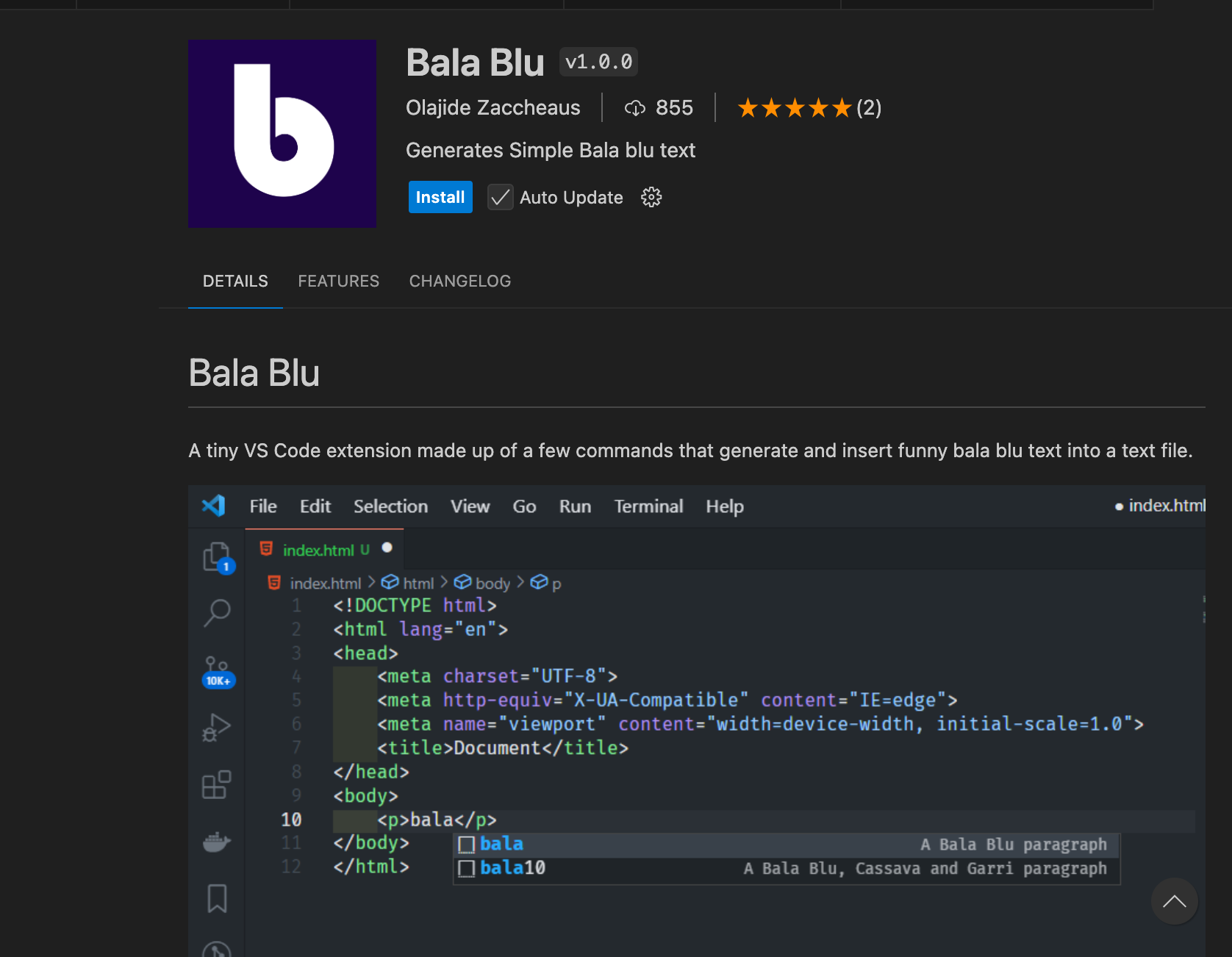
Balablau is a placeholder text generator, just like Lorem Ipsum, but with a quirky, fun tone. It adds personality to your mockups and demo layouts.
✅ How to Use:
Install the Balablau extension from the VS Code marketplace.
In your HTML or text files, simply type bal and suggestions like bala10, bala20, etc., will pop up.
Press enter, and Balablau will generate some fun placeholder text.
It’s that simple—and way more fun than the traditional Lorem Ipsum!
2. Power Mode – Watch Your Code Catch Fire!
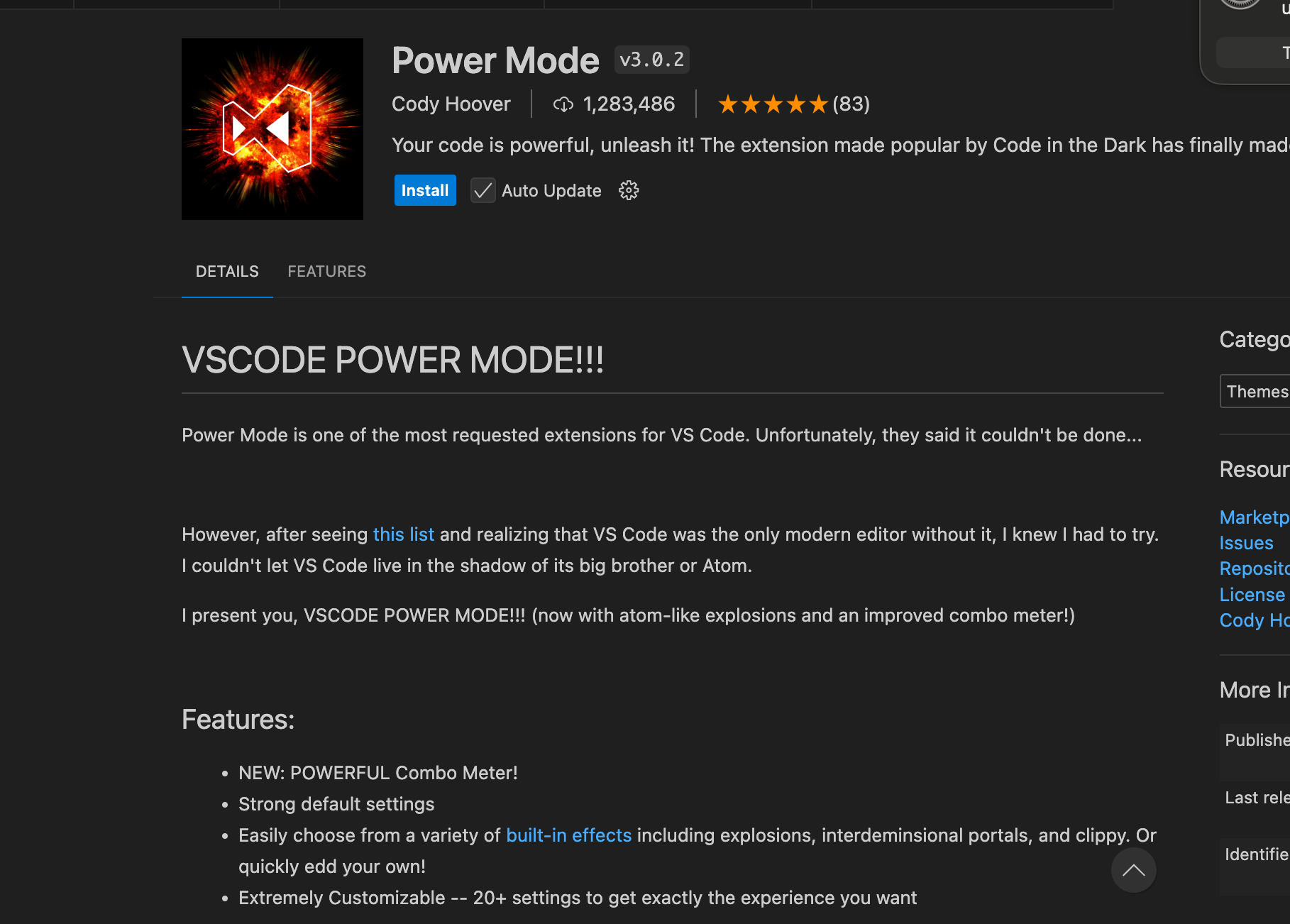
Coding just got a lot more exciting. The Power Mode extension adds cool visual effects every time you type.
- Features:
Flame effects - Fireworks
- Particle bursts
- These effects trigger as you type, creating a game-like experience in your editor.
️ How to Use:
Search for and install Power Mode from the Extensions panel.
Click Settings, then enable Power Mode.
Choose your favorite effect: Flame, Fireworks, or Particles.
Start typing and watch your code light up!
This extension is perfect for making those late-night coding sessions more fun.
3. VS Code Pets – Add a Virtual Pet to Your Editor
Yes, you read that right. With VS Code Pets, you can have a virtual pet chilling in your coding environment.

What Can It Do?
Adds a pet that runs around in your editor.
Choose from animals like dogs, cats, horses, and more.
Customize the pet’s color and type.
Add multiple pets to create your own mini zoo!
️ How to Set Up:
Install VS Code Pets.
Press Ctrl + P and type >Pets: Start.
Choose and manage your pets directly from the settings.
You can add a white horse, a green cat, or any creature of your choice!
It’s fun, adorable, and surprisingly motivational.
Final Thoughts
Here’s a quick recap of the top 3 fun extensions for VS Code:
Extension What It Does
Balablau Fun placeholder text generator
Power Mode Typing effects like flame & fireworks
VS Code Pets Virtual pets inside your editor
Recent Comments