

The Video Editing Revolution: Stand Out in the Age of Social Media
Introduction
Did you know that people watch an average of over 16 hours of online video content per week?
That’s a staggering amount of time spent consuming videos! This blog post will be your guide to understanding why video editing is a must-have skill in today’s social media world, and how you can get started yourself.
- The Video Revolution: Why Everyone Needs Video Content
Take a look at any social media platform – Youtube, Tiktok, Instagram Reels, Facebook Reels – and you’ll see video content dominating the feed. This is because video is simply the most engaging format. It captures attention, sparks emotions, and allows creators to tell stories in a dynamic way.
Videos can benefit both individuals and businesses:
- Individuals: Build a personal brand, showcase your talents, connect with a wider audience, and even monetize your content creation.
- Businesses: Increase brand awareness, boost engagement, drive sales, and establish yourself as a thought leader in your industry.
Think about it – some of the biggest stars today were born on social media, and many of them used captivating video content to get there!
The Power of Editing: From Raw Footage to Captivating Content
Imagine filming a great video, only to find it shaky, rambling, or just plain boring. That’s where video editing comes in. Editing is the magic that transforms raw footage into polished, professional-looking content that grabs attention and keeps viewers engaged.
Here are just a few things video editing lets you do:
- Trim and cut clips: Get rid of unnecessary footage to tighten your video’s pace.
- Add transitions: Smoothly jump between scenes with fades, wipes, or other effects.
- Enhance audio: Add background music, sound effects, or voiceovers to create a richer soundscape.
- Text overlays: Add titles, captions, or quotes to make your video more informative.
The difference between an unedited video and an edited one can be night and day. A well-edited video is clear, concise, and leaves a lasting impression on viewers.
Unlocking Your Inner Editor: Getting Started with Video Editing
The good news is, you don’t need fancy equipment or expensive software to get started with video editing. There are many beginner-friendly options available, including free mobile apps!
Here are two popular choices for video editing newbies:
- CapCut (Free): This user-friendly app from TikTok is a great option for creating engaging social media videos. It offers a wide range of editing tools, including trimming, transitions, music, text, and special effects.
Mastering CapCut: Free YouTube Tutorials to Get You Started
CapCut is a powerful and intuitive app, but there’s always more to learn!
Here are YouTube video tutorials specifically designed to help you become a CapCut editing pro:
CapCut Tutorial for Beginners 2023:

This comprehensive tutorial by InShot covers all the basics of CapCut editing, from importing clips to adding text and effects.)
CapCut App Video Editing Tutorial – COMPLETE Guide (2023)

LEARN CAPCUT IN 15 MINUTES // COMPLETE MOBILE VIDEO EDITING TUTORIAL FOR BEGINNERS!
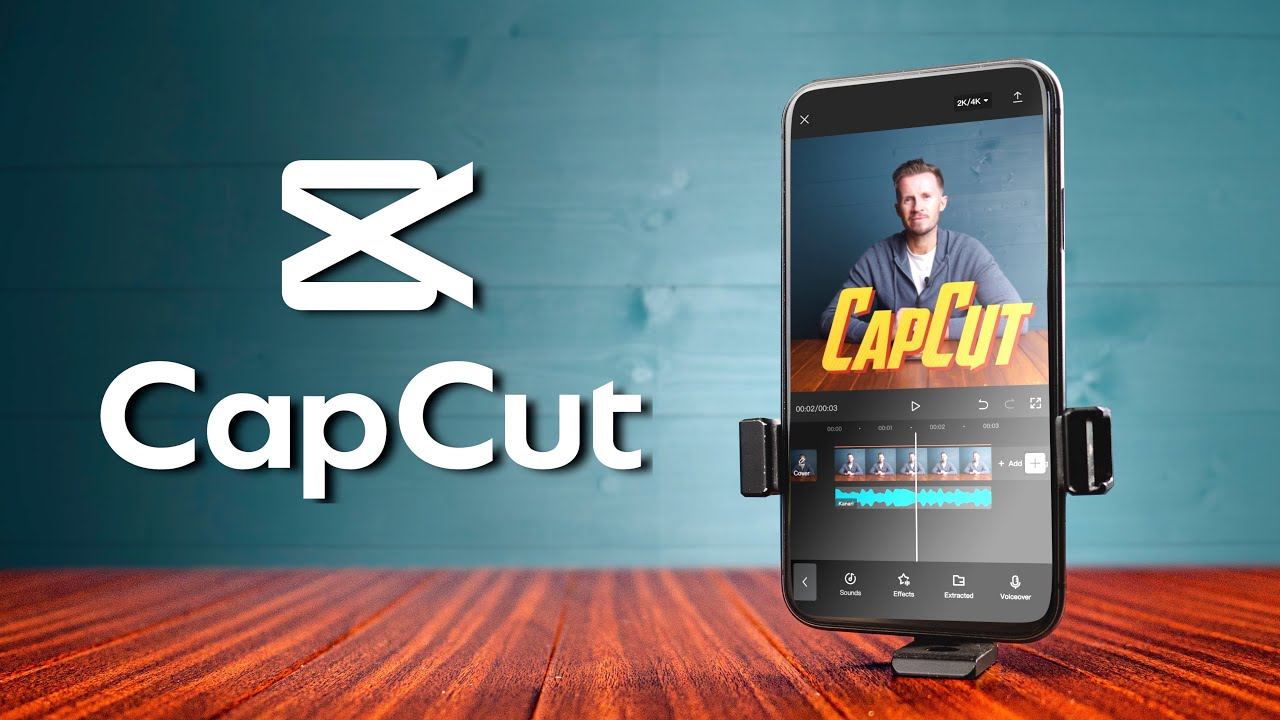
In Depth Capcut Mobile Video Editing Masterclass
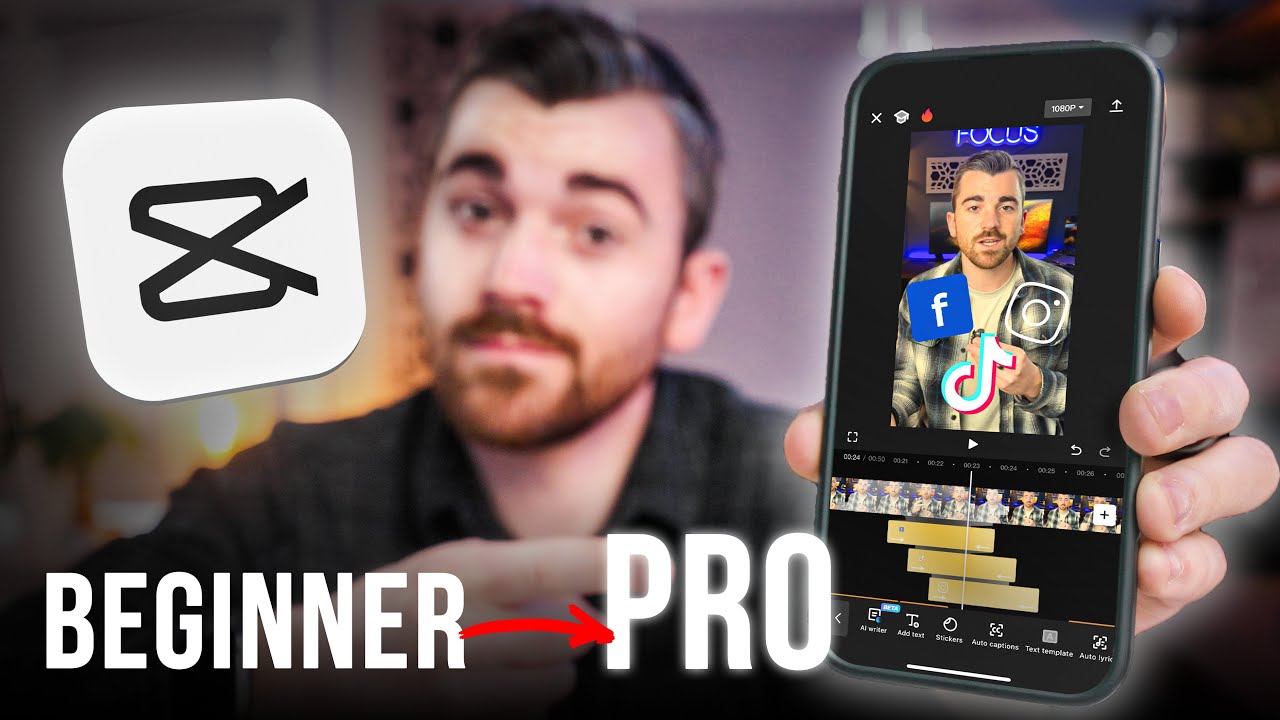
- CapCut Editing Hacks & Transitions: https://www.youtube.com/watch?v=TnnQRfQafVA (Want to take your CapCut skills to the next level? This video by Tech Explosion reveals cool editing tricks and advanced transitions.)
- CapCut Text Animations Tutorial: https://www.youtube.com/watch?v=rOmOTZuQF_s (Eye-catching text animations can elevate your videos. This tutorial by Isa Does It walks you through creating various text animation styles in CapCut.)
- CapCut Green Screen Editing Tutorial: https://www.youtube.com/watch?v=aaVcDxV7P9I (Green screen editing opens up a world of creative possibilities. Learn how to use green screens in CapCut with this video by Tech With Tim.)
- CapCut Voiceover Tutorial: https://m.youtube.com/watch?v=YZ6mcpfkkQ8 (Adding a voiceover can enhance your video’s message and professionalism. This tutorial by Tech Me Quick explains how to record and edit voiceovers in CapCut.)
The Editing Advantage: How This Skill Can Benefit You
Learning video editing is not just about creating cool social media content. This valuable skill can open doors to exciting opportunities:
- Freelance Video Editor: Offer your video editing services to businesses, influencers, or other content creators.
- In-House Video Editor: Many businesses are looking for skilled video editors to create marketing materials, internal communications, or customer-facing content.
- Enhanced Personal Projects: Take your travel videos, family memories, or creative endeavors to the next level with professional-looking edits.
Video editing skills are becoming increasingly sought-after in today’s digital world. By honing
Recent Comments